Total Downloads
Design Resources
Users Rating
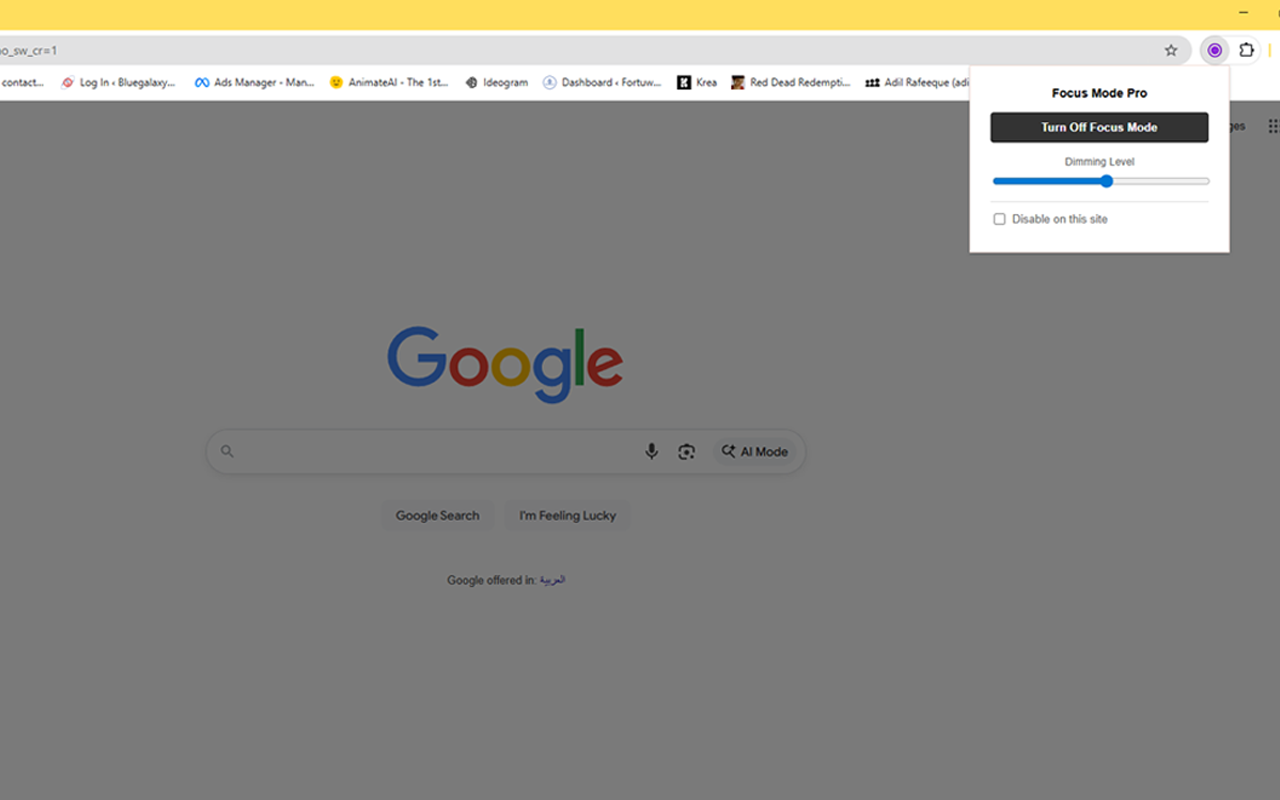
Focus mode professional is a Chrome extension that can Instantly dim any website to reduce eye strain. Features customizable brightness, site whitelisting, and keyboard shortcuts.
Add to Chrome – Click the button above to visit the Chrome Web Store. Click the blue “Add to Chrome” button and confirm the installation.
Pin the Icon (Important!) Chrome hides new extensions by default. To make Focus Mode accessible:
Click the “Puzzle Piece” icon 🧩 in the top-right corner of your browser.
Find Focus Mode Pro in the list.
Click the “Pin” icon 📌 next to it.
The crescent moon icon will now stay visible in your toolbar.
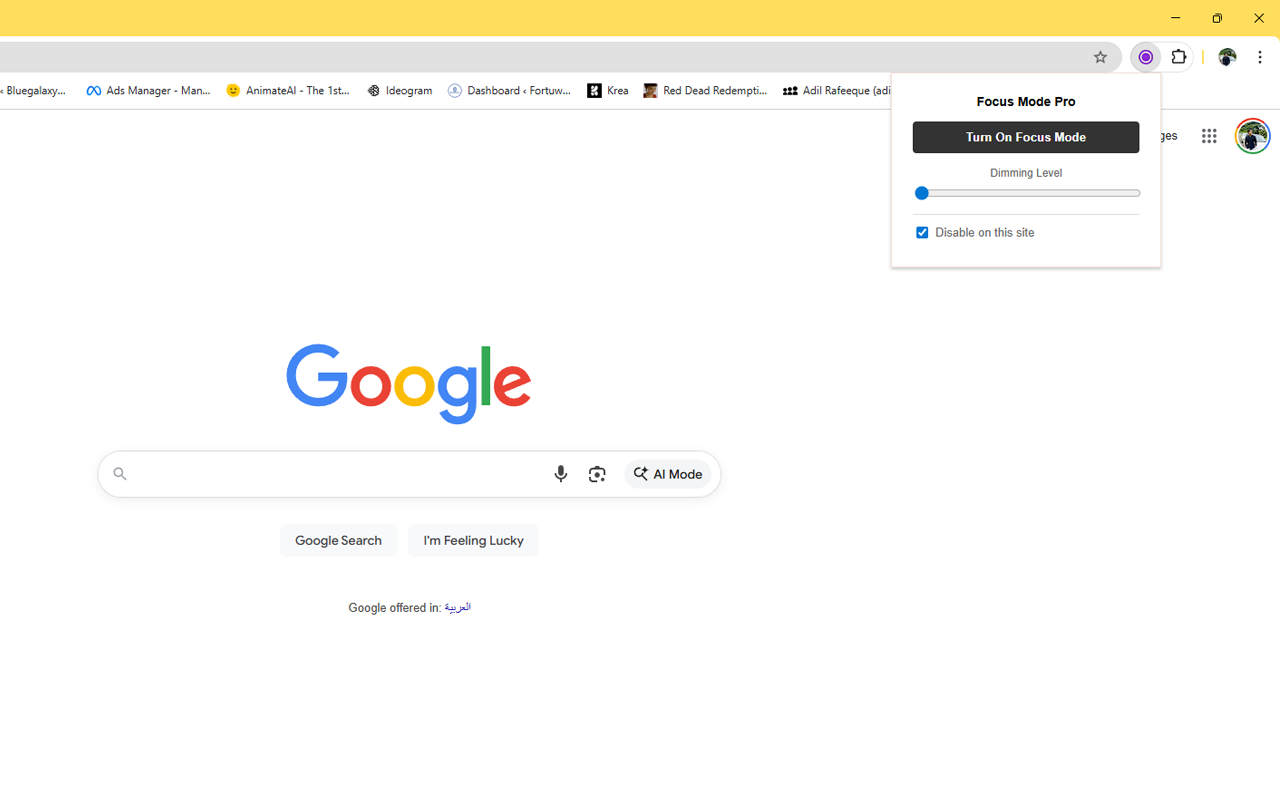
Activate Focus Mode Navigate to any website (like Google or a news article) and click the moon icon. Click “Turn On” to instantly dim the lights.
Pro Tip: Press Alt+Shift+F (or Option+Shift+F on Mac) to toggle it instantly!
If you have any further enquiries, please contact us via our contact email or complete our form.
Yes! Focus Mode Pro is completely free to download and use. There are no hidden subscriptions or paywalls.
This sounds scary, but it is a standard requirement for this type of tool. Technically, the extension needs permission to “inject” the dark overlay onto the page you are viewing. Without this permission, it cannot modify the screen brightness. We do not read your emails, passwords, or browsing history.
It works on 99% of websites, including major sites like Facebook, Wikipedia, and Google Docs. Note that for security reasons, Chrome prevents extensions from running on the Chrome Web Store itself or internal browser settings pages (chrome://).
Yes. If you prefer to watch videos in full brightness, simply go to that website, open the Focus Mode menu, and check the box that says “Disable on this site.” The extension will remember your preference automatically.
If you had the tab open before you installed the extension, try refreshing the page (F5 or Command+R). This allows the extension to load properly on that page.
Focus Mode Pro works perfectly on Google Chrome, Microsoft Edge, Brave, and Opera.
Absolutely not. Focus Mode Pro runs locally on your computer. Your settings are saved in your browser’s local storage, and no data is ever sent to our servers.
If you have any questions regarding our extension, theme or plugin, fill this up. We will contact you as soon as possible